 7be7edd153
Some checks failed
Any branch: Lint codebase / Run source-code linter (push) Has been cancelled
|
||
|---|---|---|
| .build/production_build_reference | ||
| .github | ||
| base | ||
| chrome | ||
| components | ||
| content | ||
| extensions | ||
| net | ||
| remoting | ||
| services | ||
| third_party | ||
| toolbox | ||
| ui | ||
| .gitignore | ||
| CHROMIUM_VERSION | ||
| fetch_from_upstream.sh | ||
| kiwi_logo_circle.svg | ||
| KIWI_VERSION | ||
| LICENSE | ||
| README.md | ||
| VERSION | ||



Kiwi Browser
Important note: Kiwi Browser is now archived. It will no longer be maintained after January 2025.
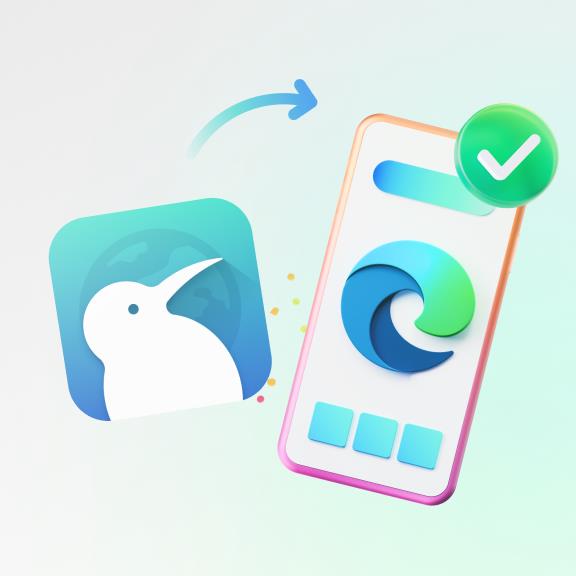
To support users who rely on extensions, we've partnered with the Microsoft Edge team to offer a smooth migration path.
Clicking the link will prompt you to install Microsoft Edge, reveal a hidden message in the Edge Extensions Hub, and uNBlock a powerful Manifest V2 extension there.
The extensions code for Kiwi Browser also has been integrated into the development version of Microsoft Edge: Microsoft Edge Canary.
To install extensions on Microsoft Edge Canary:
- Open Microsoft Edge Canary and go to Settings > About Microsoft Edge.
- Tap the Edge build number (e.g.,
xx.0.2487.0) 5 times to enable Developer Options. - In Developer Options, select Extension install by id.
To find the extension ID:
- Open the Microsoft Edge Web Store.
- Locate and select the desired extension.
- Copy the ID from the URL (e.g., for Bitwarden, the ID is
jbkfoedolllekgbhcbcoahefnbanhhlhfrom the URL ending).
- Paste the extension ID into the Extension install by id field.
- The extension will install.
If you really need Kiwi Browser, you can download the latest published version of Kiwi Browser here. Do not download Kiwi Browser from any other sources.
While your Kiwi Browser installation will still work for some time, it’s essential to explore alternatives like Microsoft Edge Canary, Vivaldi Browser or Mozilla Firefox to stay secure and up-to-date.
-- Arnaud.